Despite what anyone says about AI, I have found it to be really cool to mess with. I was an early adopter to ChatGPT and eventually decided to take the plunge into a Claude Pro Plan so I could get access to Claude Code. It took me a little while to figure out what I could actually use it for and find stuff that would help me in my day to day life. But I finally found something, and it was with my eBay business.
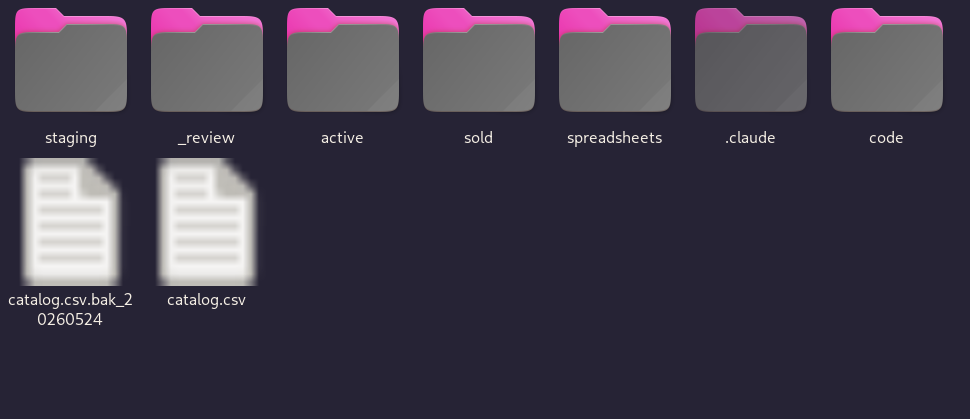
What I want to share is the pipeline I use for my eBay listing process. I’m still working on it, but this is what I got so far.
Phase 1
My process starts with me using my phone to take photos. I use the Open Camera app so I can save my photos to a specific folder that I sync with Syncthing. Syncthing syncs those files into a folder on my computer, so as I’m taking photos, the files automatically show up on my computer instantly.
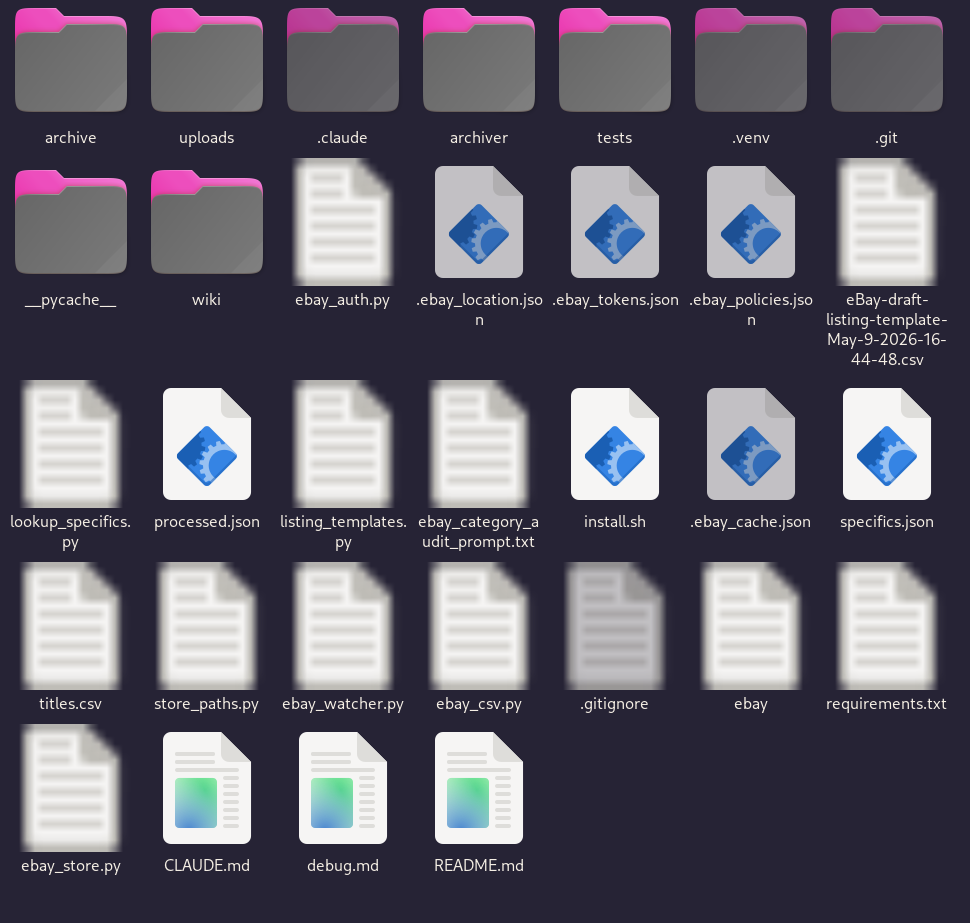
I have a script that watches that folder. As files come in, it crops them into the square format that works better for eBay and runs a local AI model against each photo looking for a barcode. The reason it’s looking for a barcode is because of the order I take my photos. I take all the pictures of the item, then I bag it and put a barcode label on the bag. That part of the process existed before AI was involved. The only new step is that I now take a photo of the item in its bag with the barcode on it.
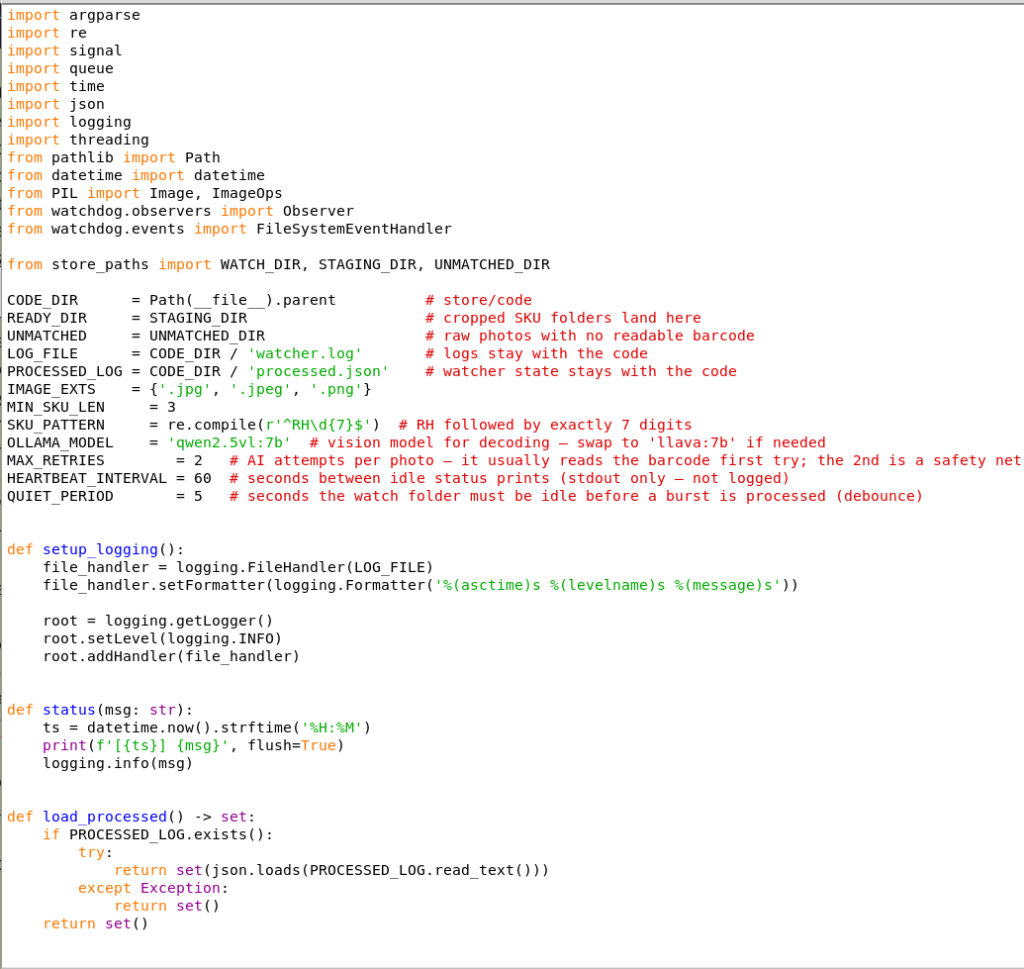
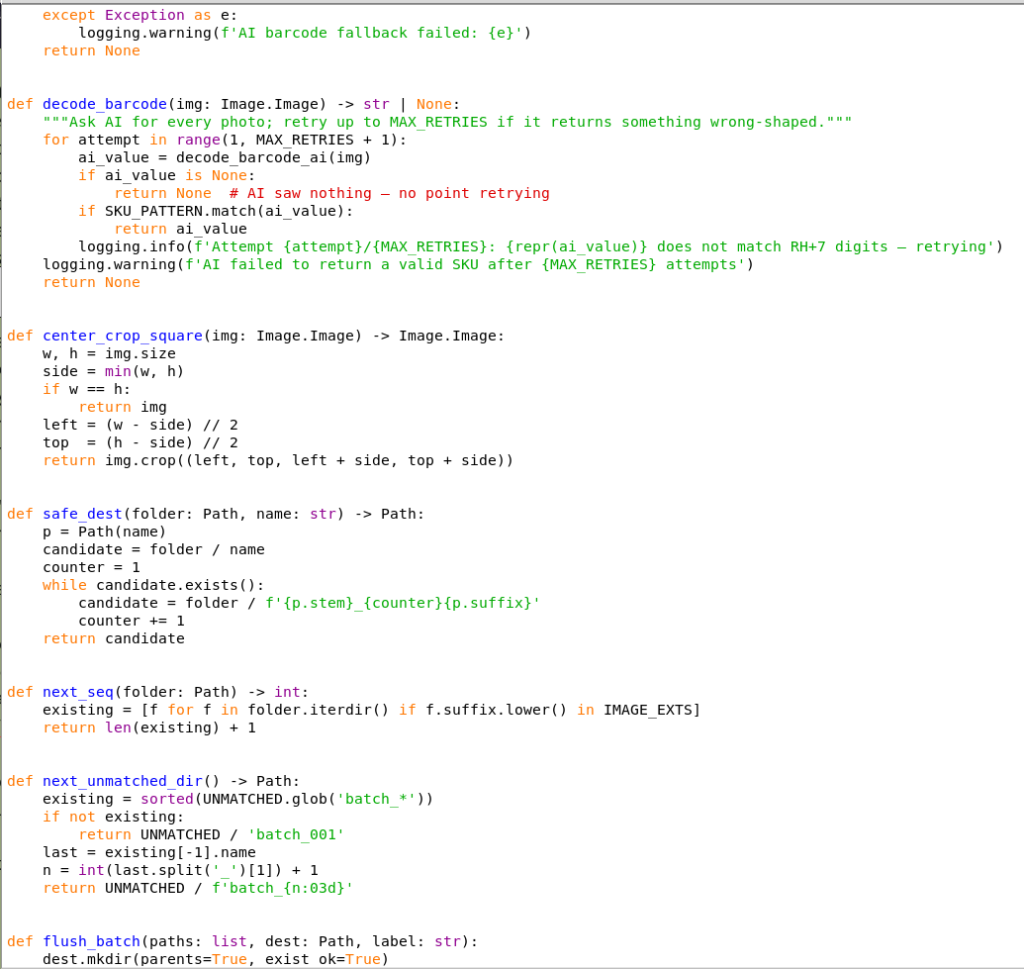
The watcher script has the AI query every photo looking for that specific barcode, and it knows to only look for a SKU number that starts with my RH identifier for my store. When it finds that photo, the script batches all the photos together, names the folder after the SKU number, and puts them all in there together. Then it starts looking for the next barcode and creates a second batch. So as I’m taking photos, I have an AI and a script working together to crop and organize everything live. That’s part one.
And that already is just fucking amazing. Let’s be honest.
Phase 2
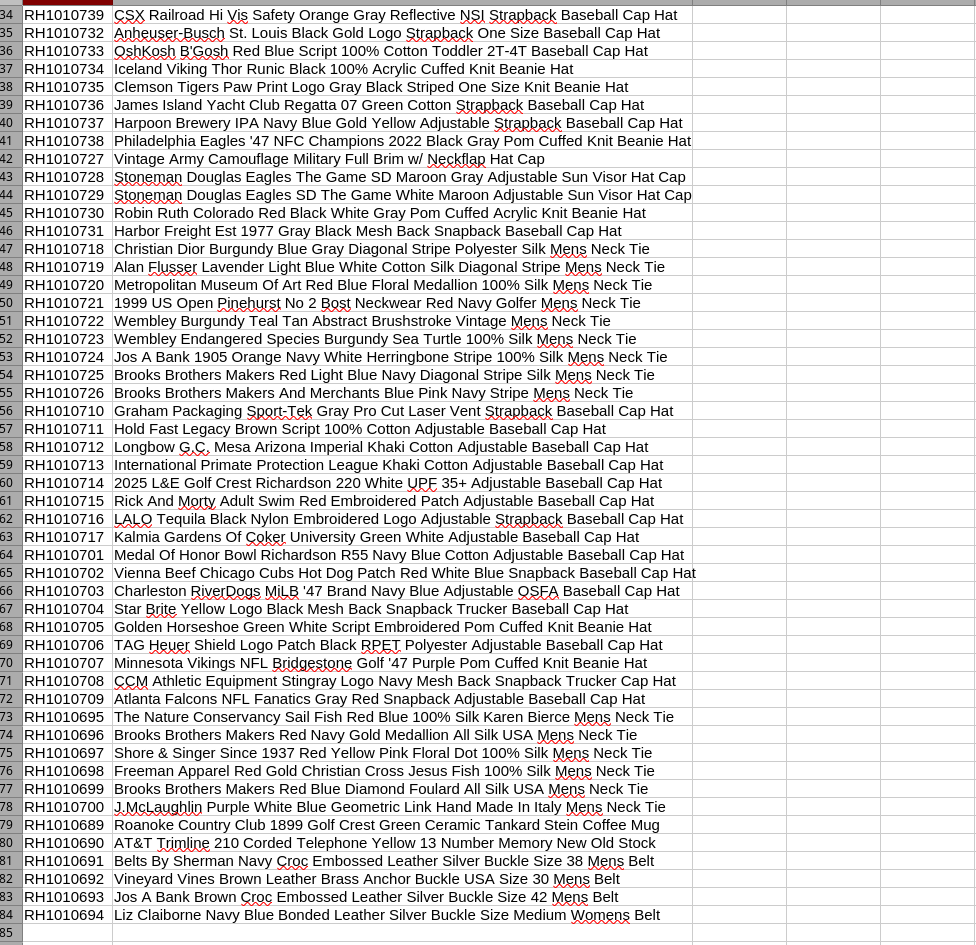
The next piece is an identification process. What I have is a Claude MD file written to go through all the photos in a batch. It knows to create titles tuned to my style of title creation, and it fills out a CSV with item specifics — color, brand, material, anything else the model can pick up — based on templates I already had on eBay. That part isn’t really a script so much as it is me using Claude tokens to perform a task.
Phase 3
The third part gets a bit more scripty. eBay doesn’t let you upload files directly to their server with the CSV upload tool, so you have to host your photos somewhere else. I’m using Cloudinary for that. Once I run the script, it automatically uploads all my photos to Cloudinary and links them to the CSV. When that gets uploaded, my drafts are created with the photos, the custom SKU number, and the item specifics already filled in. The only thing left for me is to choose my shipping, return, and payment policies and do a little cleanup.

That was good enough at first. But then I noticed Claude would actually look at the photos and point out when something was wrong. It would say, hey, this item has a snag in it, or there’s a stain here you may want to mention in your listing. So I went ahead and had Claude start writing the item descriptions too. I still do a human check at the very end on all my listings.
And honestly, it works great. My job now is more about taking photos than it is doing computer work. I get to focus on getting inventory, taking photos, and doing the human parts of the job. The scripts, the local AI models, and Claude handle the rest.
It’s honestly blown my damn mind. It’s been the coolest thing ever to play with, and I just think that’s cool.